Set-up to Compliance in 

5 Simple Steps

Get started with Blutic in minutes. Scan, configure, and deploy your consent banner. Compliance without the complexity.

Blue square icon with white scan or focus frame symbol.

1.

Scans Your Website Automatically

Blutic automatically detects all existing cookies across your site and subdomains without manual checks.

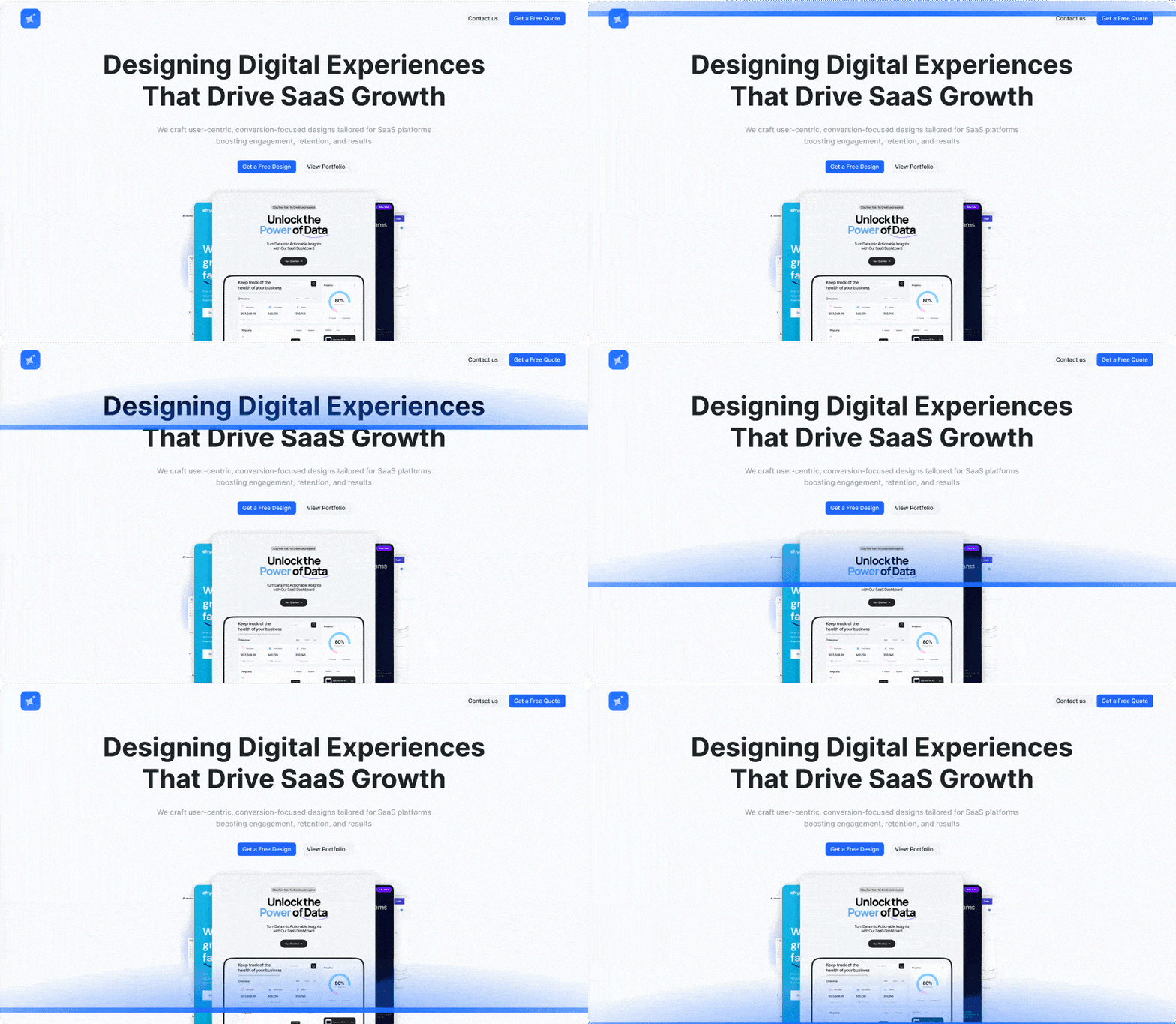
Website homepage showcasing a SaaS design service with headline 'Designing Digital Experiences That Drive SaaS Growth' and a call-to-action button 'Get a Free Design'.
Necessary Cookies
1
Marketing Cookies
2
Functional Cookies
3
Analytical Cookies
4
Icon of a white robot face with antennae on a blue rounded square background.

2.

Classifies Cookies with AI

Sorts cookies into precise categories and clear descriptions.

Icon of a white cookie with bite mark on blue gradient background.

3.

Create Custom Cookies

Create and edit cookie settings that align with your specific business requirements.

Mailchimp logo featuring a smiling chimpanzee wearing a cap inside a yellow circle.
Green shopping bag icon with white stylized 'S' representing Shopify.
Orange HubSpot logo with connected nodes on white background.
Stylized puffin bird illustration with a pink beak inside a light blue circular background.
Illustration of a cozy room with a wingback chair, small side table with a lamp, open window, and artwork on the wall.
Black outline of a rocket ship launching with smoke trail behind it.
Blue circle with a stylized white letter W representing the WordPress logo.
Joomla logo with four interlocking shapes in green, orange, red, and blue colors.
White overlapping rectangles icon on a blue gradient background, representing multiple windows or layers.

4.

One step deployment

Add to your website quickly, with minimal setup.

White target crosshair icon on blue circular background.

5.

Track and Analyse

Access comprehensive consent records and a complete dashboard view of your cookies.

Why Blutic

Built for DPDP Act Compliance

Be audit ready with accurate, real-time
consent logs

Seamless Integration

Works with any web platform, instantly

Soft circular gradient transitioning from pale blue at the top to light peach at the bottom on a transparent background.

Multi-Domain Management

Manage all business domains in one platform
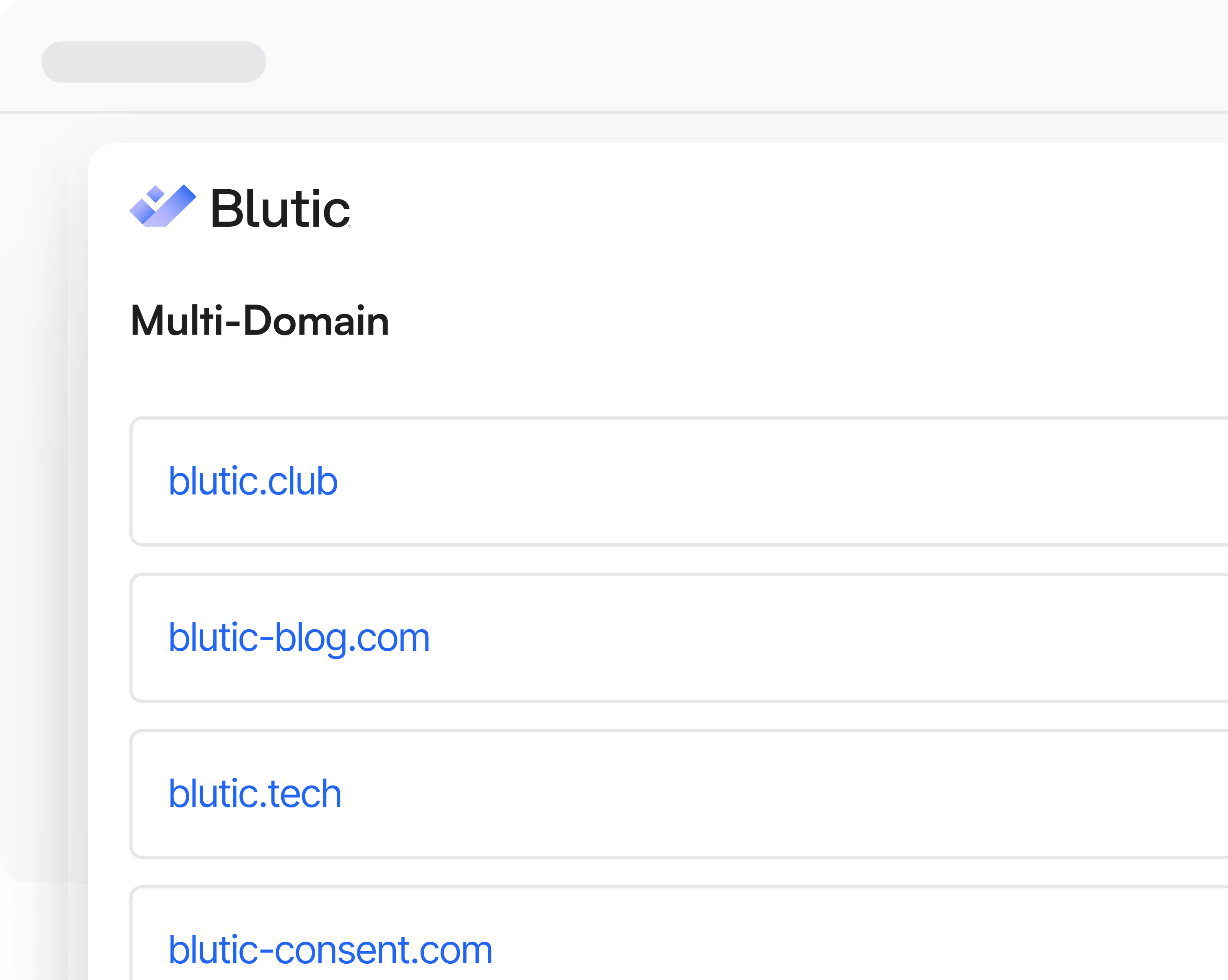
Multi-Domain Management – Blutic panel with sample domains.

DPDP Compliant Cookies on All Platforms

Are your websites and apps fully compliant? Whether you are B2B or B2C, Blutic lets you build and manage cookie consent for your entire digital ecosystem: web, mobile, and app all from a single  dashboard.

Read more about DPDP
Mobile screen showing a website with a cookie consent banner explaining cookie usage and toggles for Preferences, Statistics, Marketing, and necessary cookies, along with Accept All Cookies button.

FAQs

Can I add or remove domains later?

Yes, you can add new domains anytime and remove them so they stop renewing from the next cycle.

Do I need a separate plan for each domain?

Yes, each domain has its own subscription and usage limits, unless specified otherwise on your pricing page.

What happens to my data after cancellation?

We keep read‑only access for a limited time to export data, after which access is restricted.

Can I cancel my plan at any time?

Yes, you can cancel anytime; your plan stays active until the end of the current billing period.

Do you offer refunds?

By default, we don’t refund mid‑cycle; changes apply from the next billing period.

Can I download invoices?

Yes, all invoices and receipts are available in your billing section.

What happens if my payment fails?

We retry a few times and notify you; if it still fails, your subscription may be suspended until payment is fixed.

Will my subscription renew automatically?

Yes, unless you turn off auto‑renew in your billing settings.

What payment methods do you accept?

We accept major cards and other standard online payment methods via our secure payment provider.

When do my usage limits reset?

They reset at the start of each new billing period (monthly or annual).

What happens if I exceed my cookie scanning limit?

New scans are blocked until the next cycle or you upgrade to a higher plan.

What happens if I exceed my visitor limit?

New visitor events stop being processed until the next cycle or you upgrade.

Can I downgrade my plan?

Yes, downgrades are scheduled and take effect from your next billing cycle.

What happens when I switch from monthly to annual?

We credit the remaining value of your month and charge the annual price minus that credit; a new 12‑month period starts.

How is the prorated amount calculated?

We credit the unused days of your current plan and charge only the difference for the new plan.

Can I upgrade my plan at any time?

Yes, upgrades are instant and we prorate the charge for the remaining period.

How does annual billing work?

You pay once for 12 months at a discounted rate versus paying monthly.

Do you offer a free plan?

Yes, a Free plan for one domain with limited usage and features for a short period.

What plans do you offer and how are they billed?

We offer per-domain plans (Free, Growth, Professional) billed monthly or annually.

Still have questions?

Get in contact with our support team anytime.

Contact Us
Contact Us